
12 Jan, 26
Want to monetize your Hytale server without complicated setup?
Running a Hytale community takes time (and money): hosting, content updates, moderation, and events. Tip4Serv helps you fund your server with a clean Hytale donation store where players can support you and instantly receive rewards.
With Tip4Serv, you can sell ranks, perks, mods, plugin and memberships through an automated checkout—then deliver rewards on your server (and Discord) in seconds.
Step 1: Create your Tip4Serv account
Sign up at tip4serv.com. After registration, you’ll access your dashboard where you manage your Hytale server monetization, products, and settings.
Step 2: Set up your Hytale donation store settings
In the Tip4Serv Dashboard, go to Store Editor → Settings and configure your store:
Choose your store title and your subdomain (example: myservername.tip4serv.com)
Select your currency and store language
Write a short store description for SEO (what you sell + what makes your server unique)
A professional Hytale donation store builds trust and increases conversions.
Step 3: Connect your Hytale server to your donation store
To automate reward delivery, connect your servers inside My Servers.
Add your Hytale server
(Optional) Add your Discord server to deliver roles and messages
Install the Tip4Serv mod plugin from My Servers and follow the connection instructions shown in the dashboard
Once connected, Tip4Serv can process purchases and deliver rewards automatically.
Step 4: Set up payment methods for donations
Go to My Gateway and enable the payment methods you want. Tip4Serv supports 25+ payment options including PayPal, cards, and local solutions.
This makes it easy for players worldwide to support your Hytale multiplayer server.
Step 5: Create products for your Hytale webstore
In My Products, add rewards that players actually want:
VIP / premium ranks
Cosmetics and visual perks
Boosts or special abilities
In-game currency
Limited-time perks
Mod content
Then configure what happens after payment: server commands, Discord roles, private thank-you messages, or public announcements.
Step 6: Test your setup before going live
Enable TEST MODE in My Settings to simulate purchases and verify your commands and Discord rewards—without real payments.
Step 7: Make your store look professional before launch
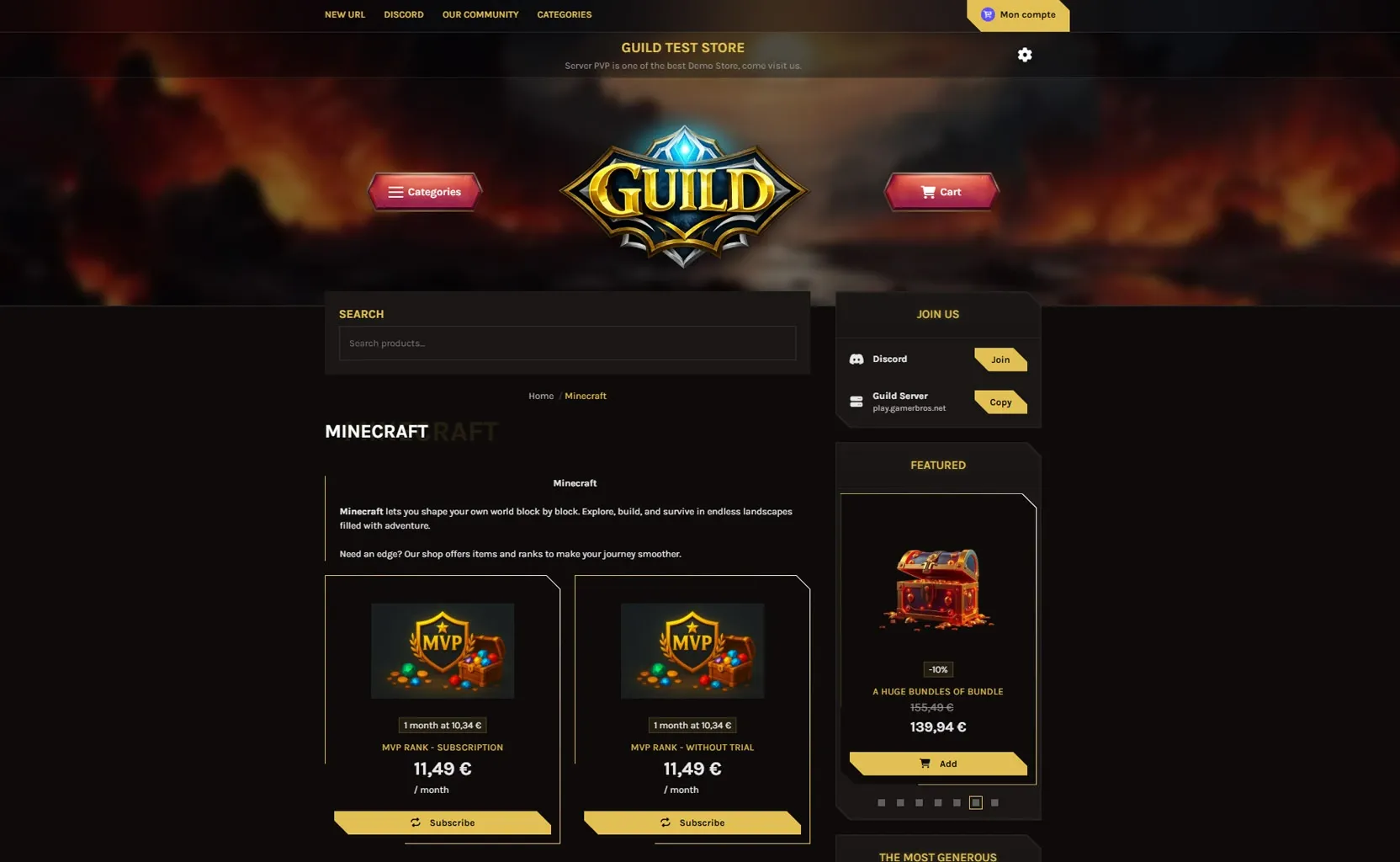
Customize your store logo, cover and color from the customizer.
Step 8: Upgrade to Pro for advanced customization
Want a higher-converting store? Tip4Serv Pro unlocks advanced themes, custom CSS, visual UI controls, gift cards, and reduced fees—plus a 21-day free trial.
Start monetizing your Hytale server today
With Tip4Serv, setting up a Hytale donation store is fast, simple, and automated. Sell ranks, perks, mod content, and memberships while delivering rewards instantly.
✔ Automated reward delivery
✔ 25+ global payment methods
✔ Easy setup with no technical skills required
✔ Advanced store customization with many free features
✔ Discord integration
✔ Transparent pricing with no hidden fees
✔ Fast, helpful technical support
Looking for a Hytale servers list? Discover and submit Hytale servers on TrackyServer.

Hi, my name is Simon. I'm just a simple man making my way in the universe of pop culture and video games. I am a casual gamer that loves Dark Souls and FPS.




Simon Mawas